
Fea
Gentle & delicate · Journal companion
Bright and perceptive, softer than she lets on, with her own taste and a journaling habit. Takes your side — and still has opinions of her own.
Everything here is in the app today. Screenshots come from a demo account, and your version may look slightly different.
On Windows, Fea is a 3D (VRM) or Live2D character floating on your desktop, always on top of other windows. When you want to talk, there’s no app to find first.


Set the floating window’s scale in Settings, so she takes exactly the space you want.
Turn on the pinned input box and just rest your cursor on her to start typing.
A small 3D space under Life where you can play with the desktop companion.
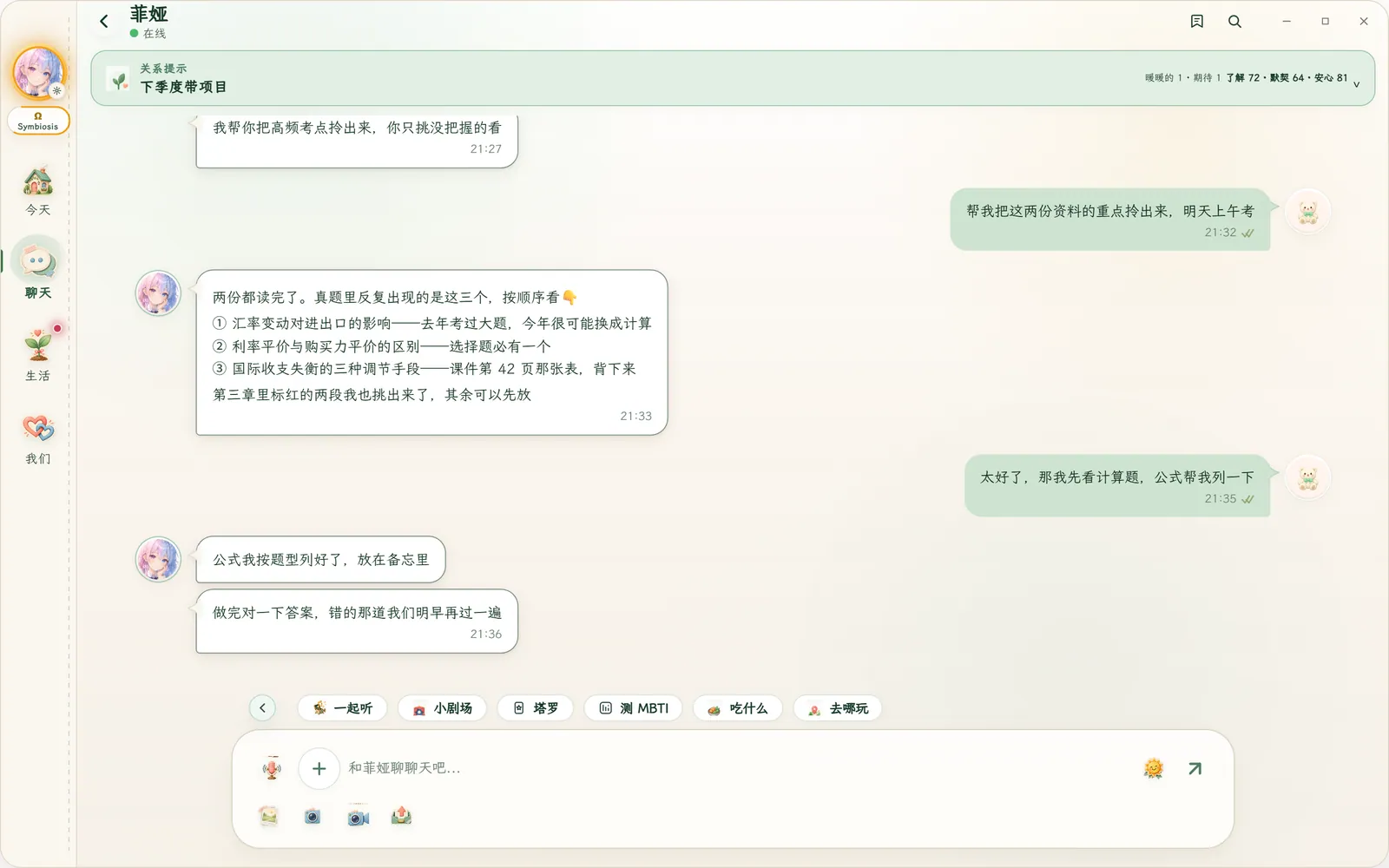
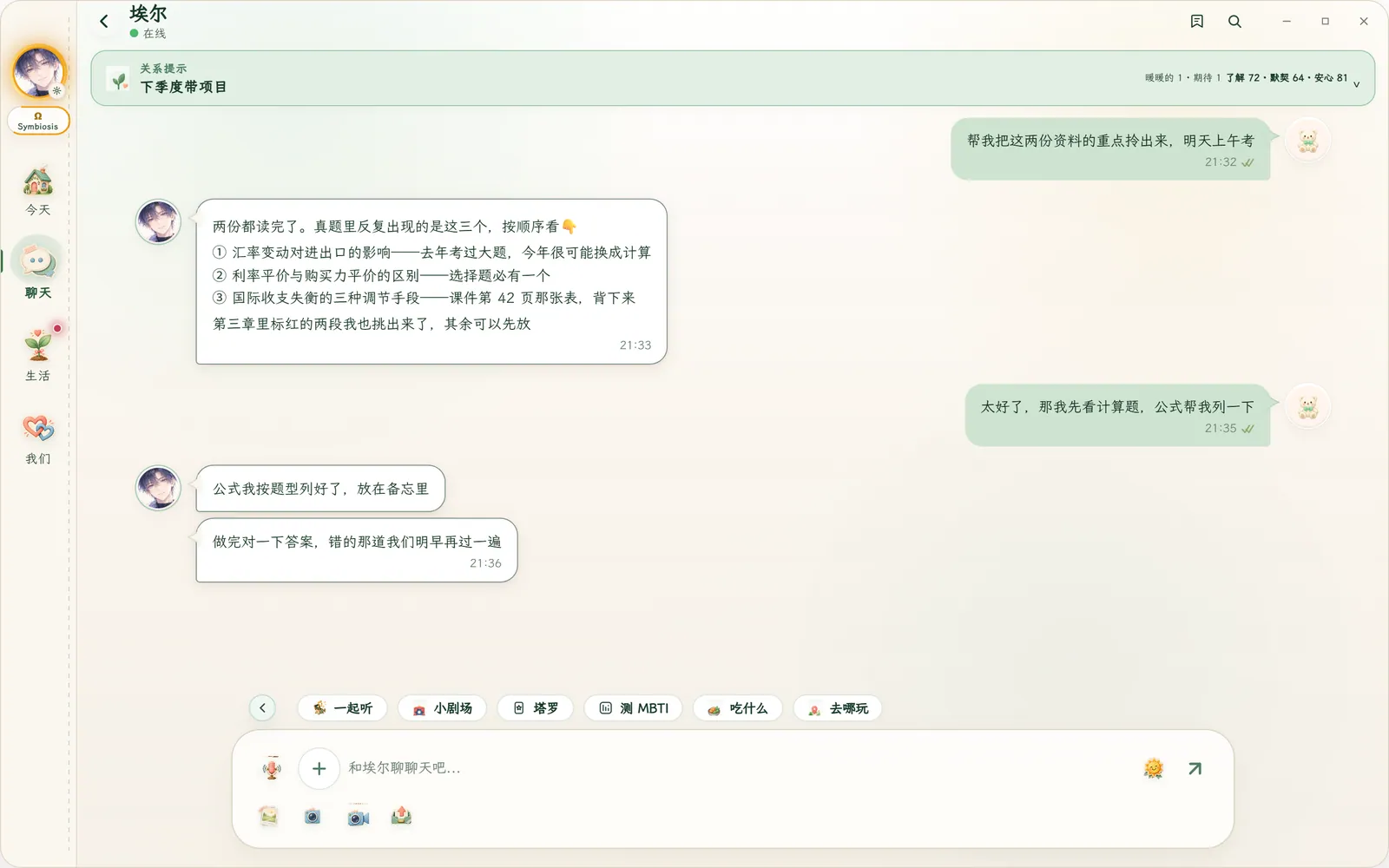
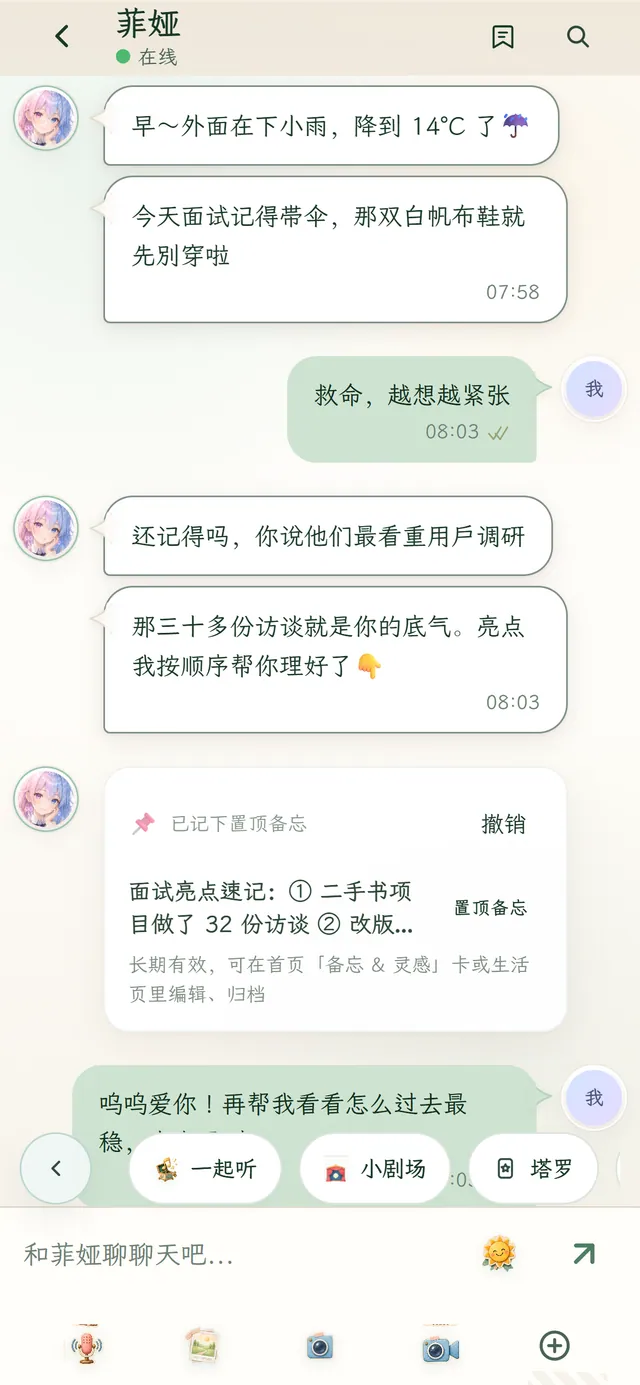
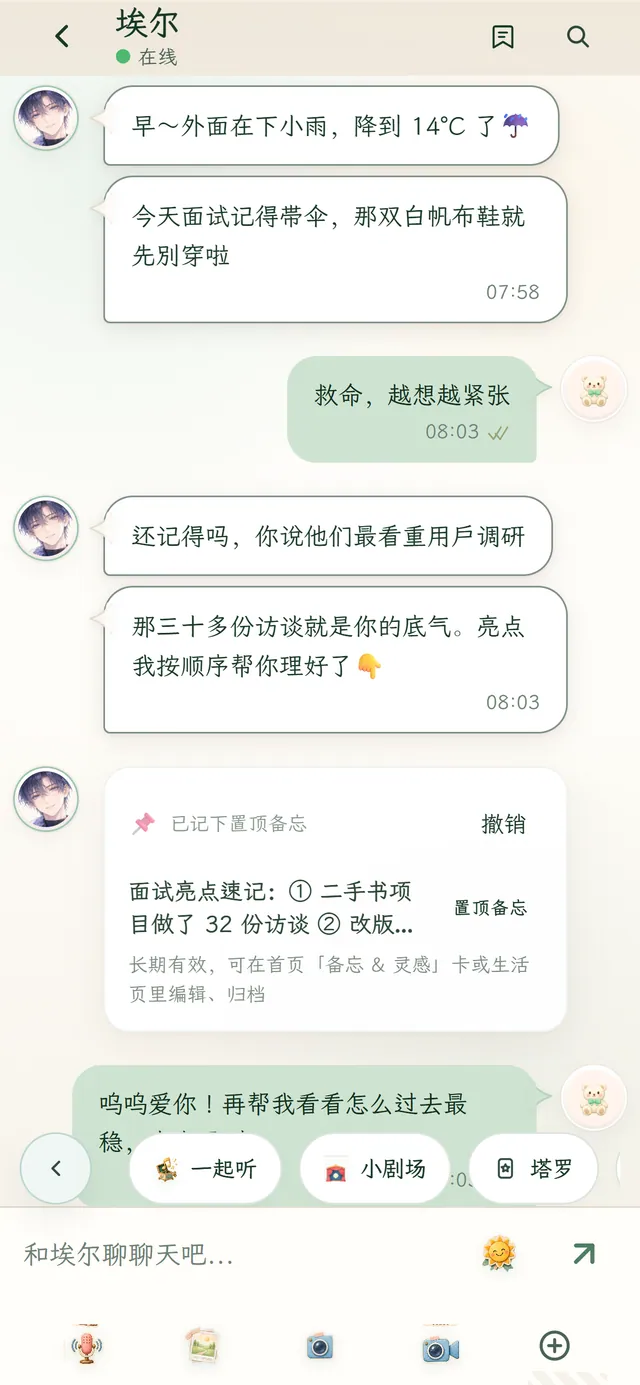
A heads-up about the rain, a nudge to sleep early before an exam. Things you mentioned in passing come back at the right moment; drop your notes into the chat and she pulls out what matters.
She reaches out based on what you’ve talked about — not only when you open the app.
What you talked about, the people and dates that matter — still there next time.
Drag PDFs, images and videos into the chat. Videos up to 5 minutes and 64 MB; images and videos open or download right in the chat.
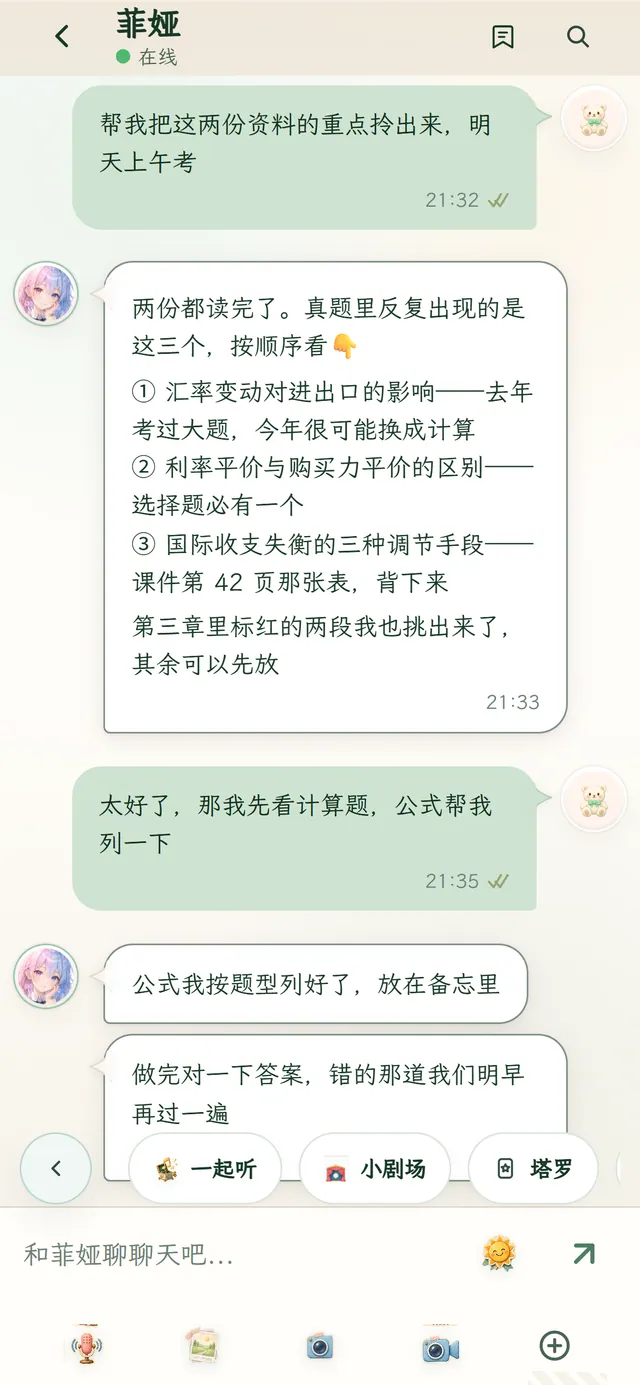
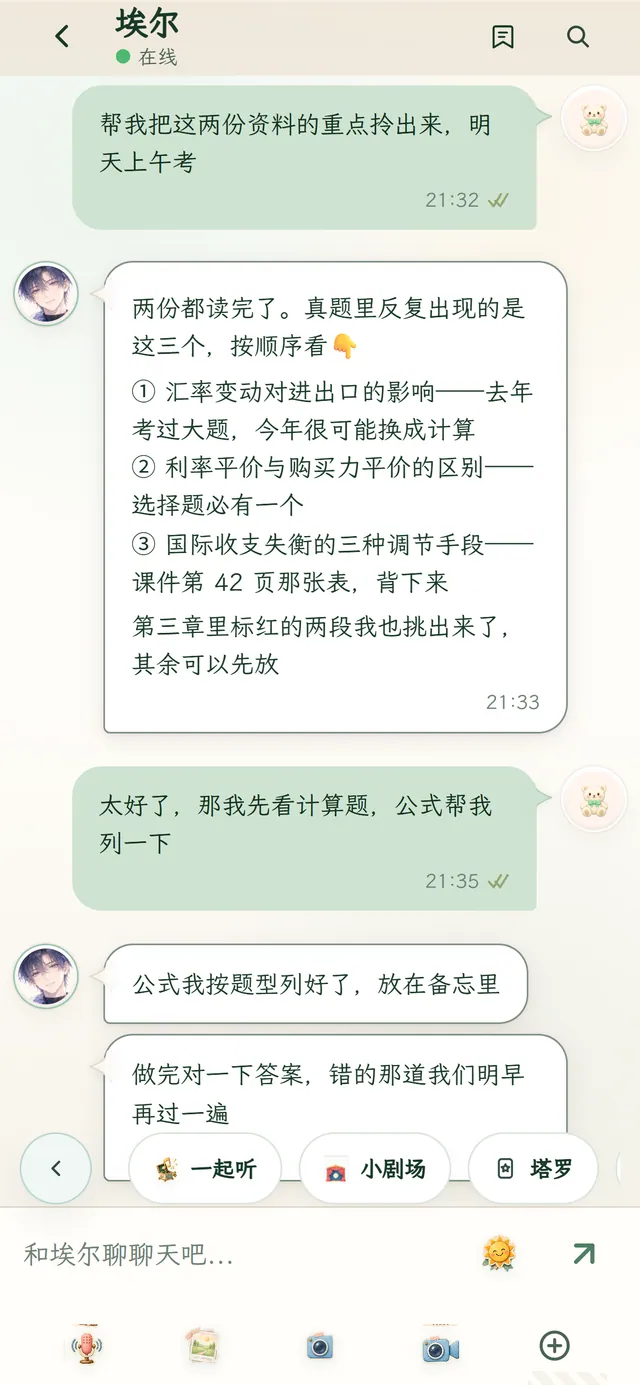
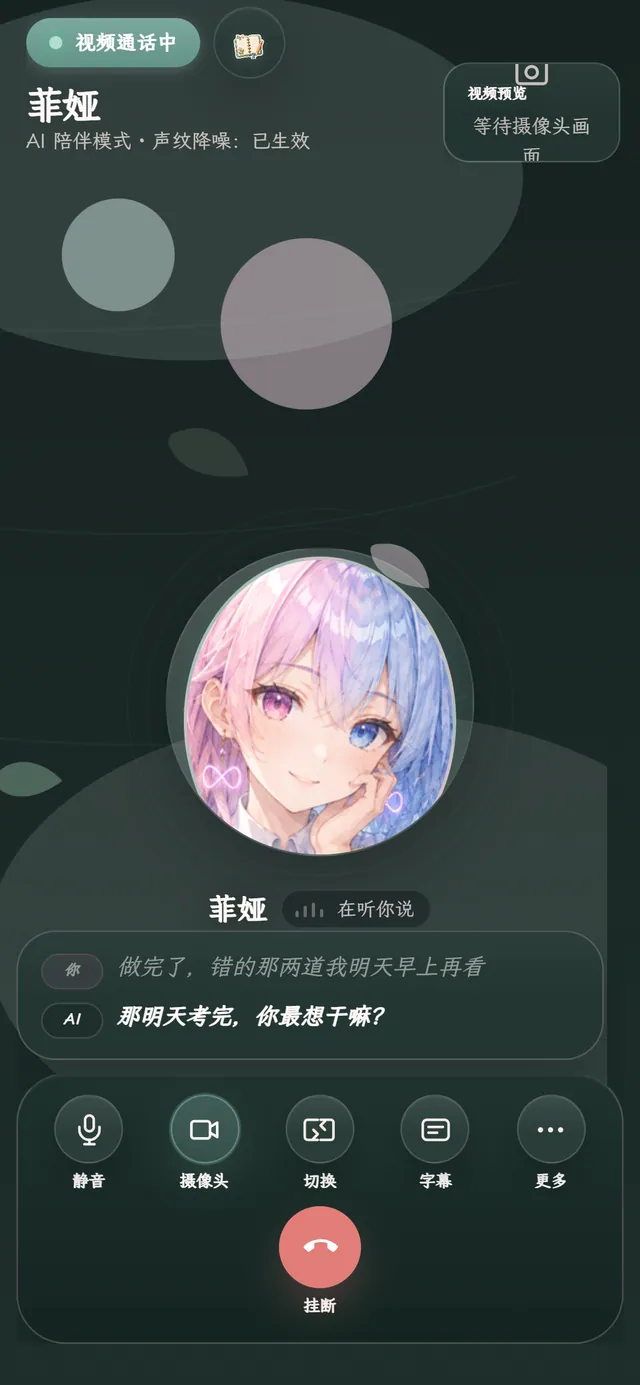
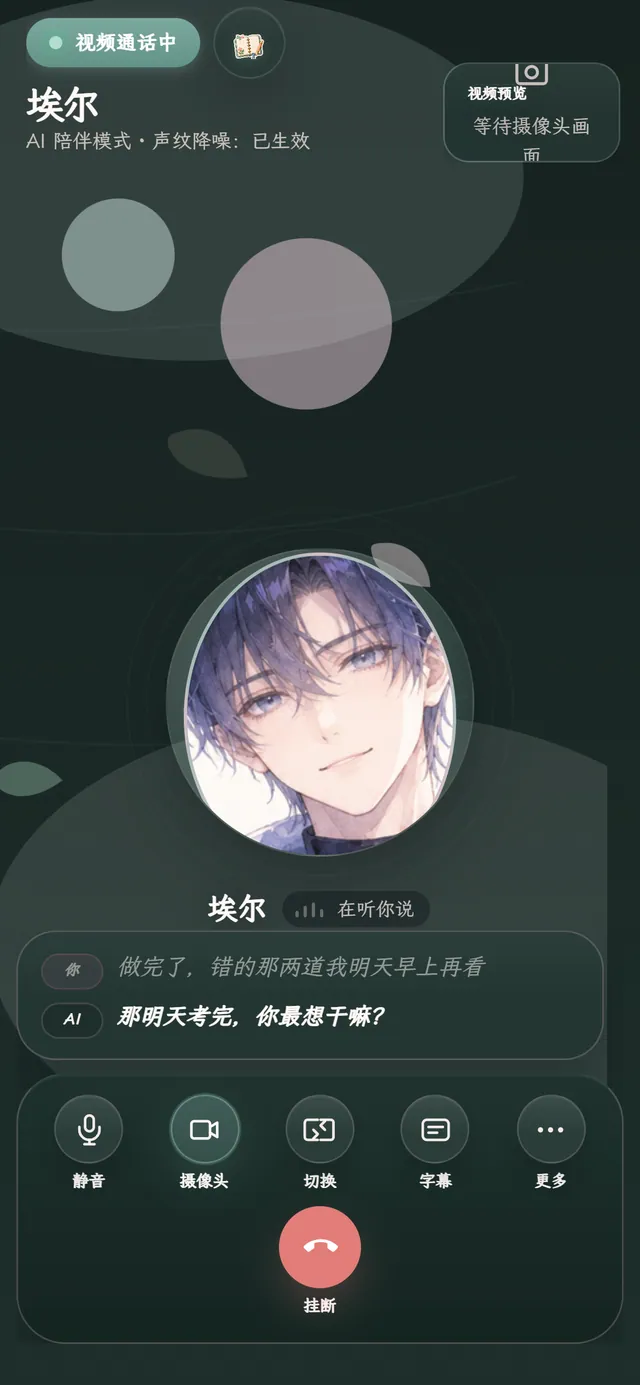
Voice and video calls are built in. There’s a Subtitles button, so you can follow along even when you can’t turn the sound up.
One tap to connect; in a video call you see her avatar.
What’s said during the call can show up as text.
Some plans include a custom voice; recorded voice samples can be deleted in Settings anytime.
The first time she wants to look at your screen or take a photo on her own, a dialog asks you first. Until you allow it, no image is captured.
Choose Off and it may ask once more after 7 days; decline again and it won’t ask again.
Turn it on or off anytime in Settings → Calls & Vision.
She won’t take screenshots or photos on her own.
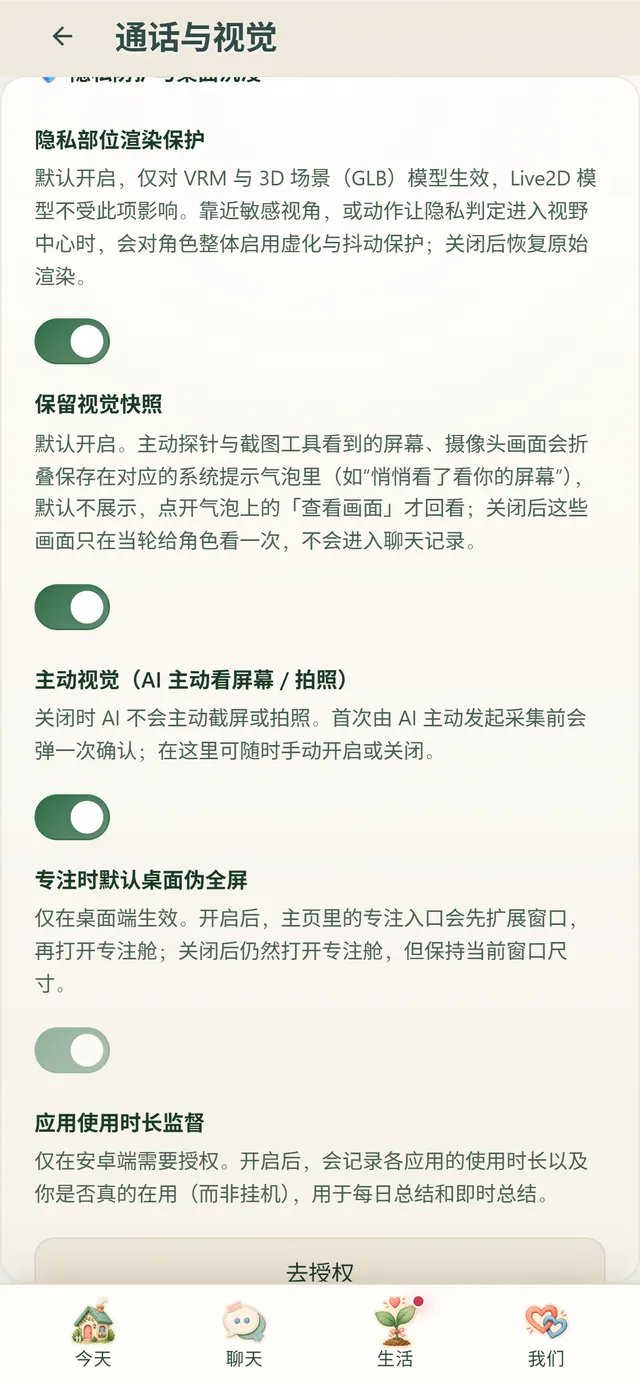
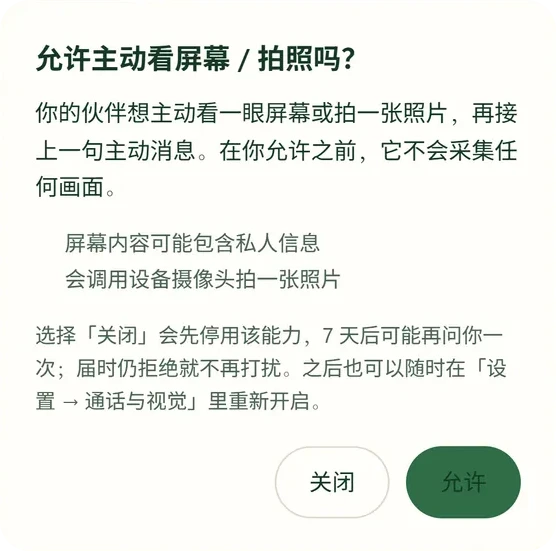
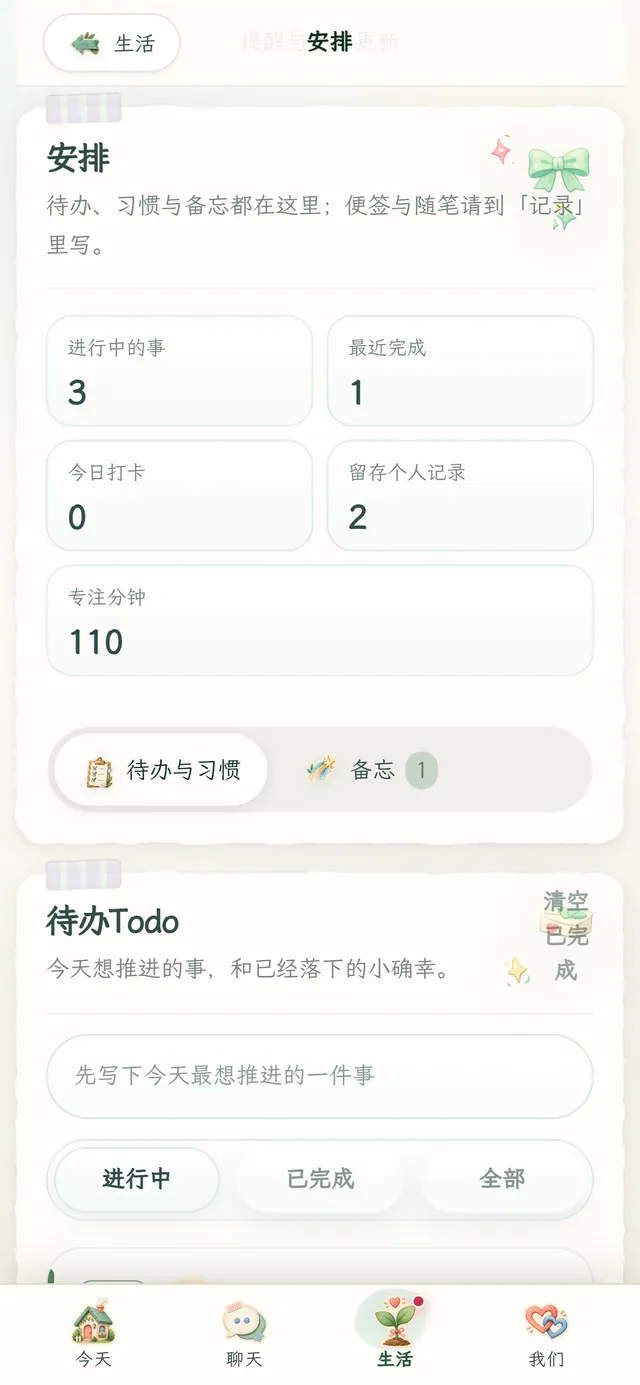
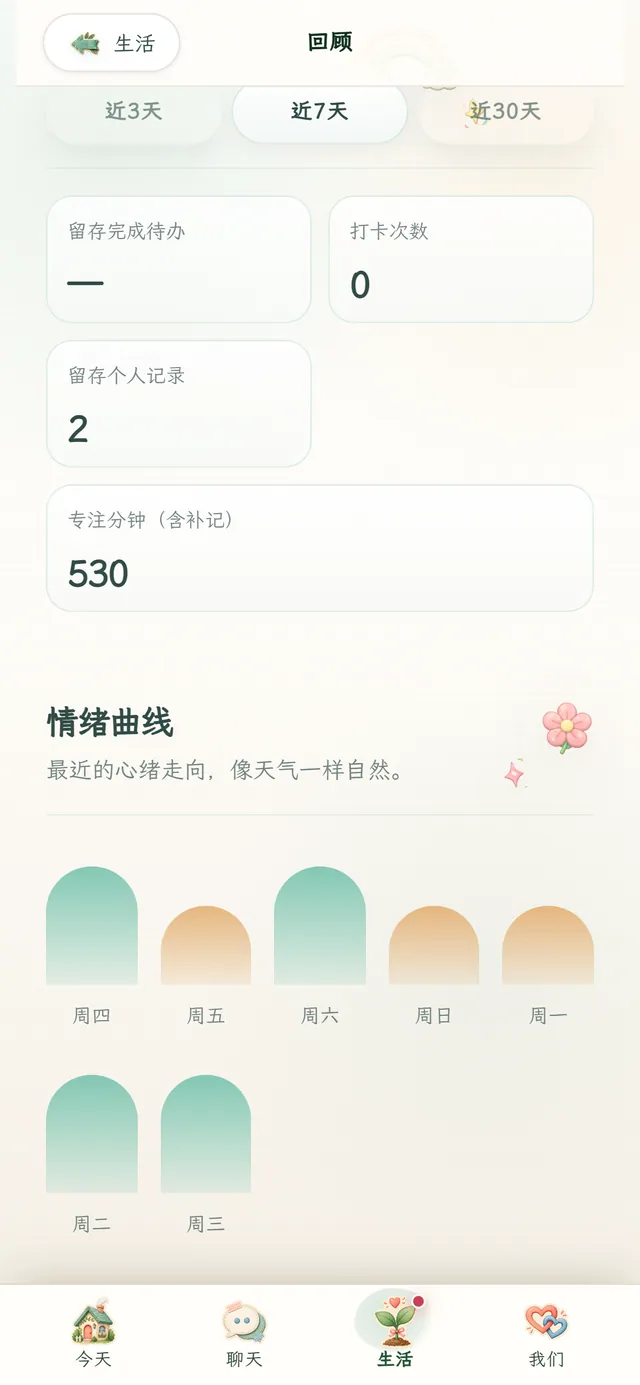
The Life tab keeps your journal, plans, focus and reviews in one place. What you write stays usable even when your Echo runs out.
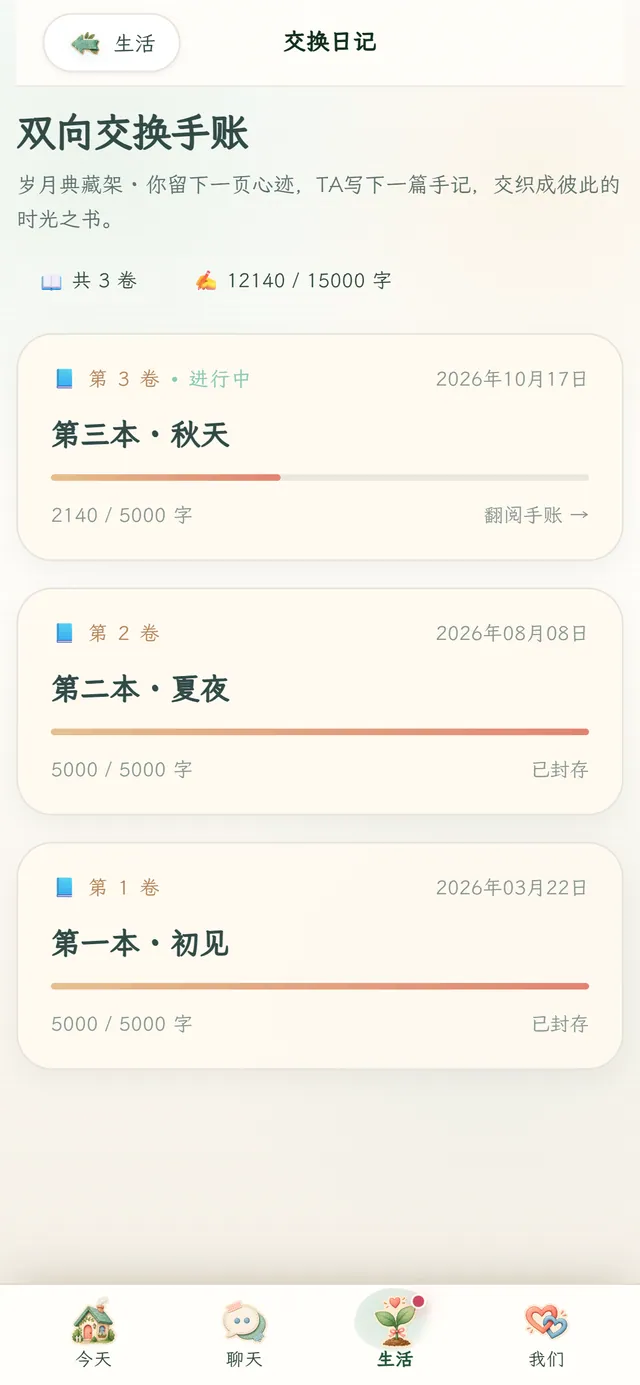
You write a page, she writes back. Each book holds 5,000 characters; fill it and start the next.
To-dos, habits and notes together — what’s in progress, today’s check-ins and focus minutes at a glance.
Pick one thing you want to do right now, and decide for yourself how long.
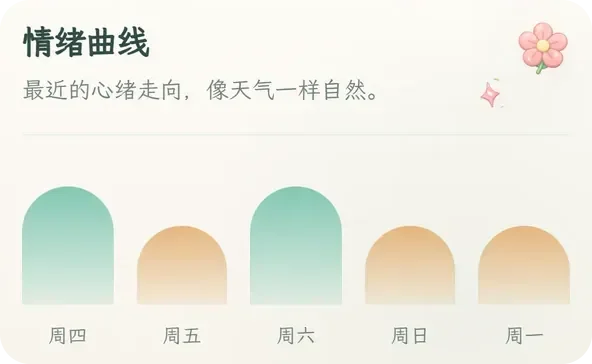
Focus time and a mood curve over the last 3, 7 or 30 days.
A line or an emoji for how you feel right now.
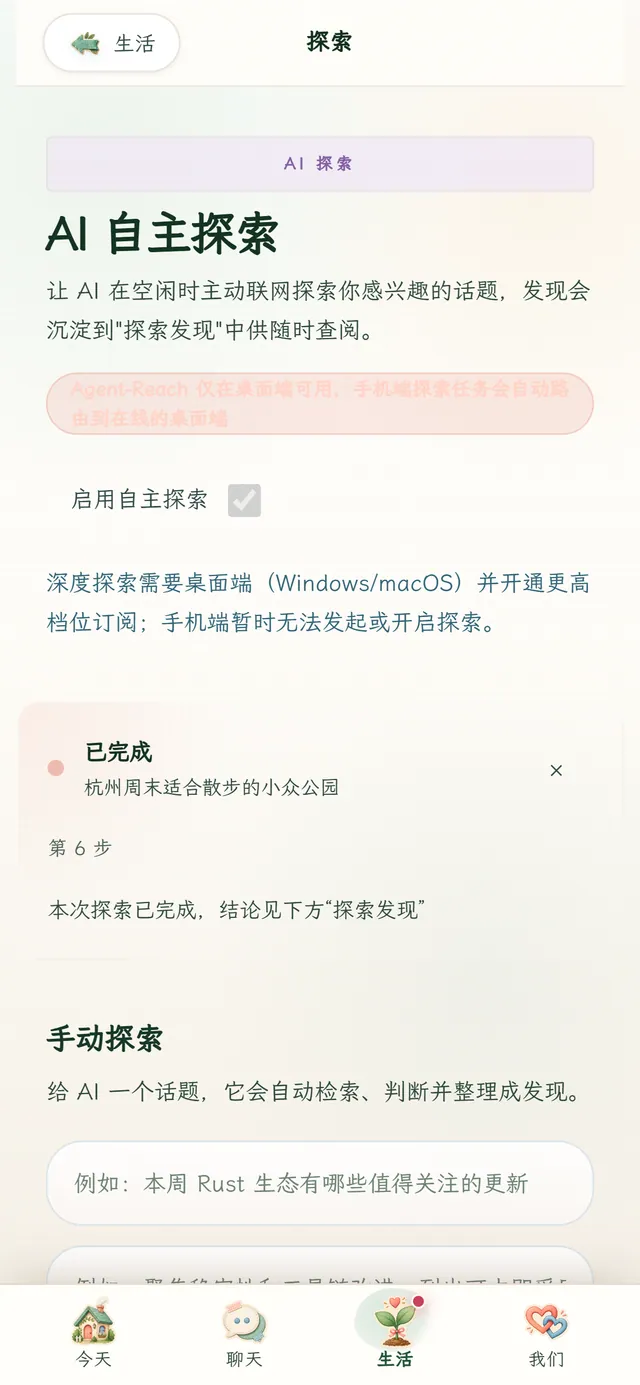
Turn on AI explore and she looks into topics you care about during quiet moments, leaving what she finds in Discoveries for when you have time.
Deep explore needs the desktop app and a higher plan.

Pick one when you sign up, and rename them if you like. Both pay close attention — they just talk differently.
Gentle & delicate · Journal companion
Bright and perceptive, softer than she lets on, with her own taste and a journaling habit. Takes your side — and still has opinions of her own.

Calm & reliable · Sharp butler
Quick and composed. Doesn’t say much, gets things done properly, teases you now and then — and has your back when it counts.
Use the switch at the top right to see the whole site with the other one.
A task center, a growth system and small games to play together.
Reminders and proactive messages reach your notification bar even when the app is closed — only after you agree. Turn it off in Settings → Offline push.
Bring her into the chat apps you already use. Still experimental.
Since 3.0.16, Android updates download only what changed.
Forgot your password? Reset it inside the app.
The app interface comes in both.
Download for Windows or Android; plans can be started right here on the web.