Two-way journal
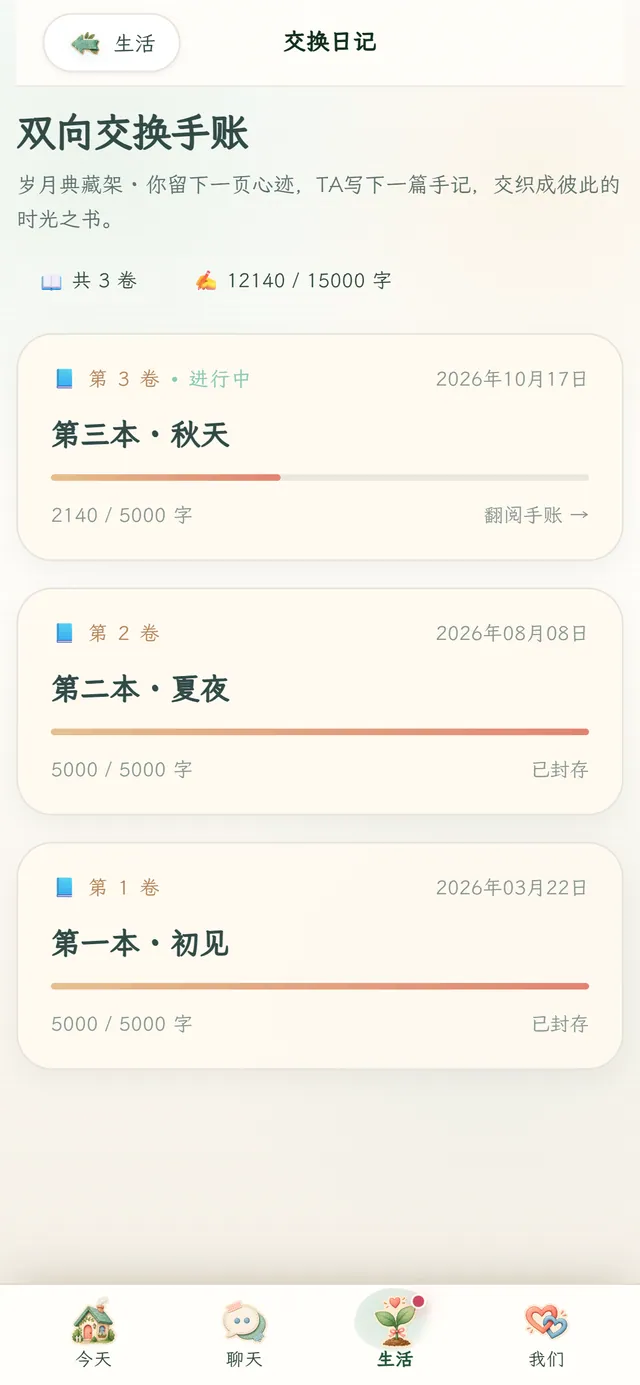
You write a page, Fea writes back. Each book holds 5,000 characters; fill it and start the next.
Tap the other side of ∞ to switch
Sholarel is an AI companion that lives on your desktop and phone. She remembers what you’ve said, says good morning first, and handles the small things — routes, reading, alarms.
From a rainy morning to a call before bed — one day with a student, as Fea sees it.
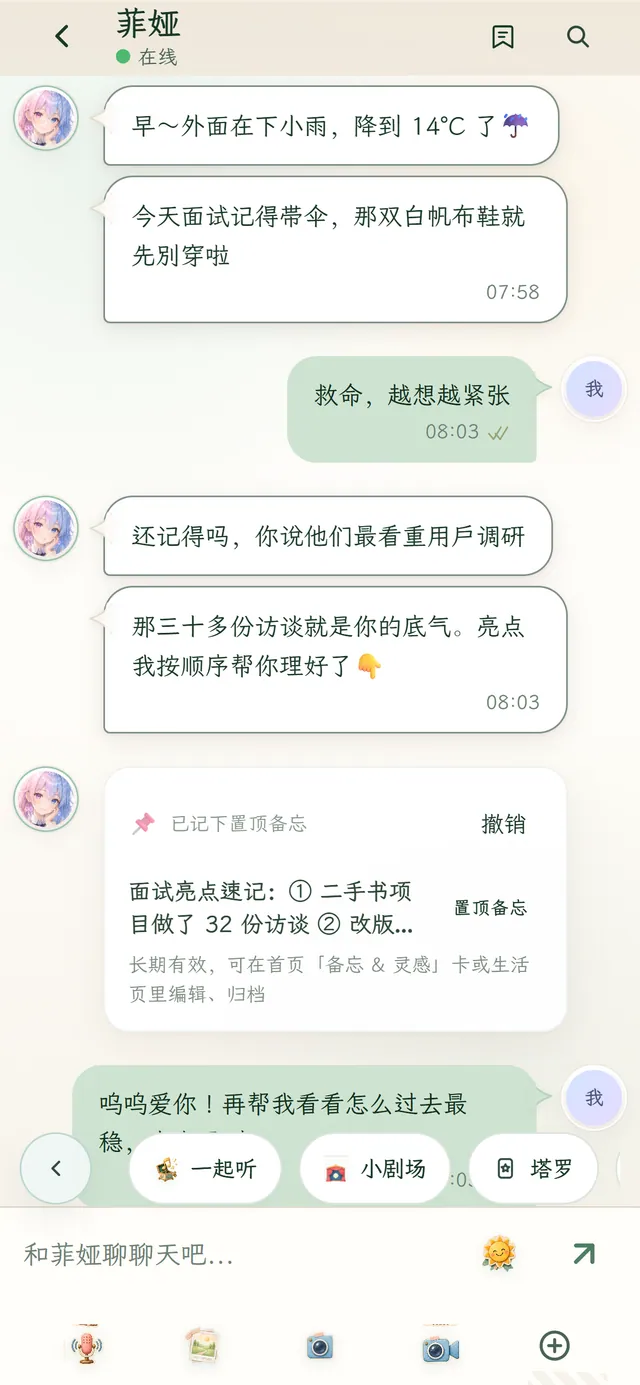
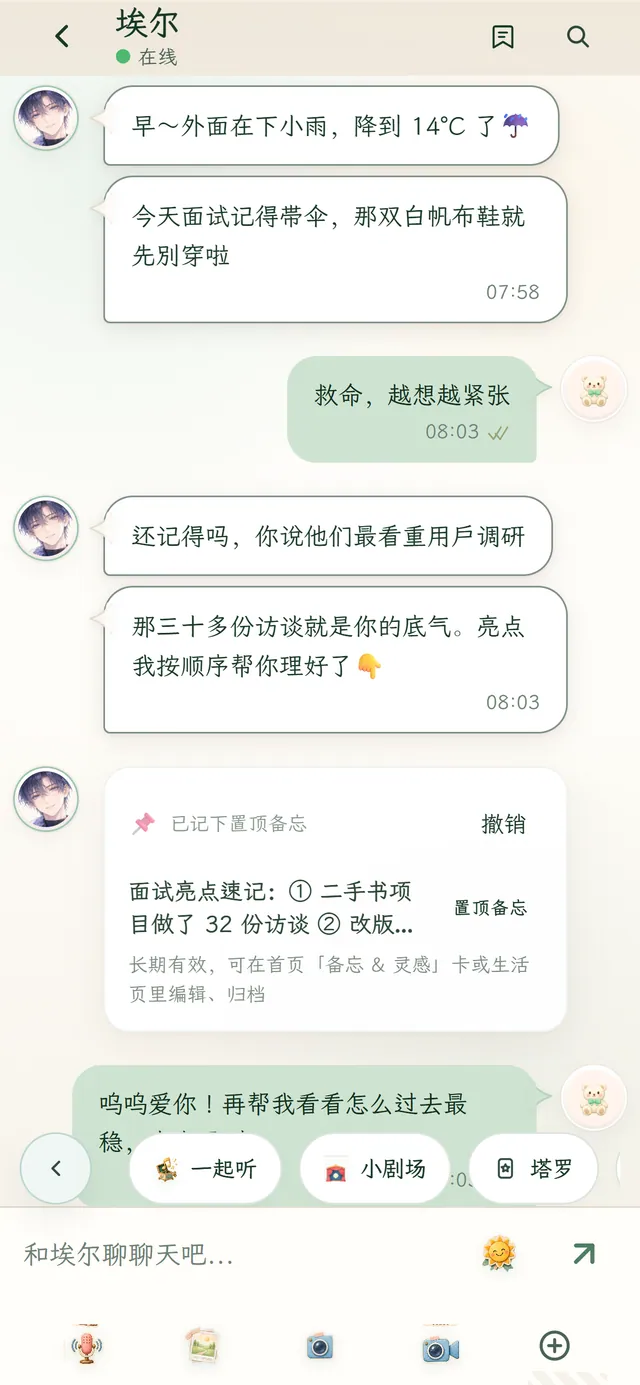
07:58
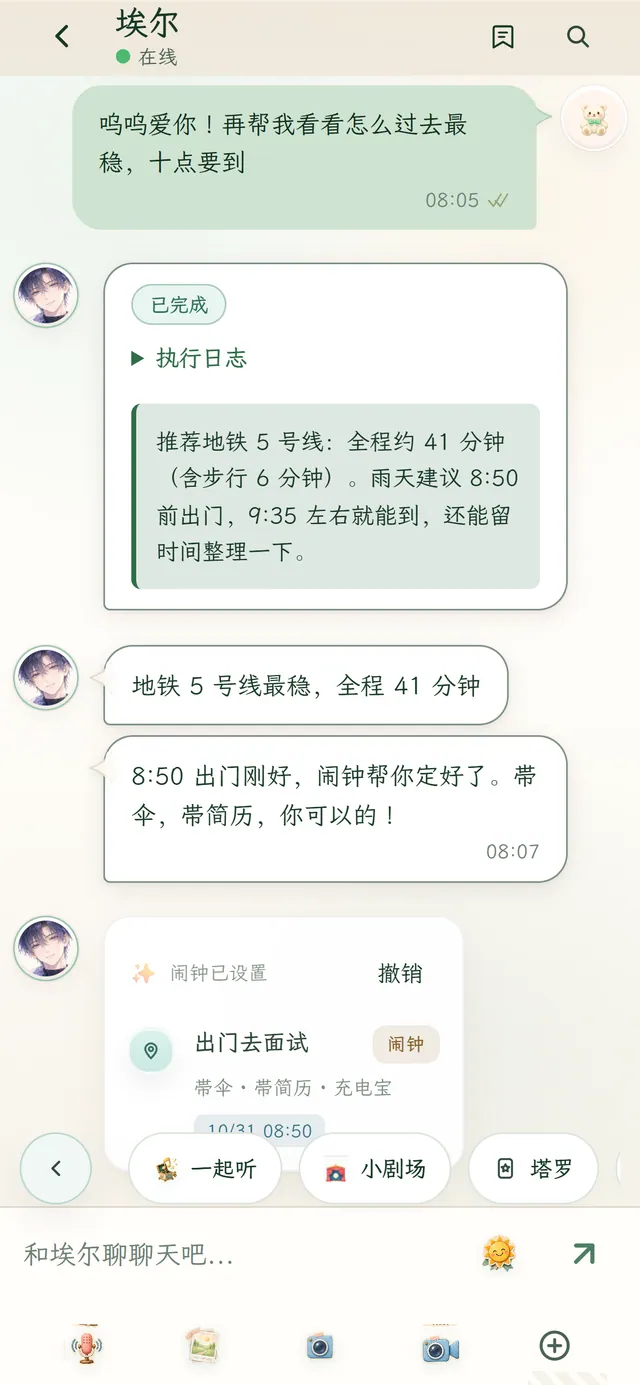
It’s 14°C and drizzling. Fea remembers today’s interview: take an umbrella, skip the white canvas shoes — and here are your talking points, in order.
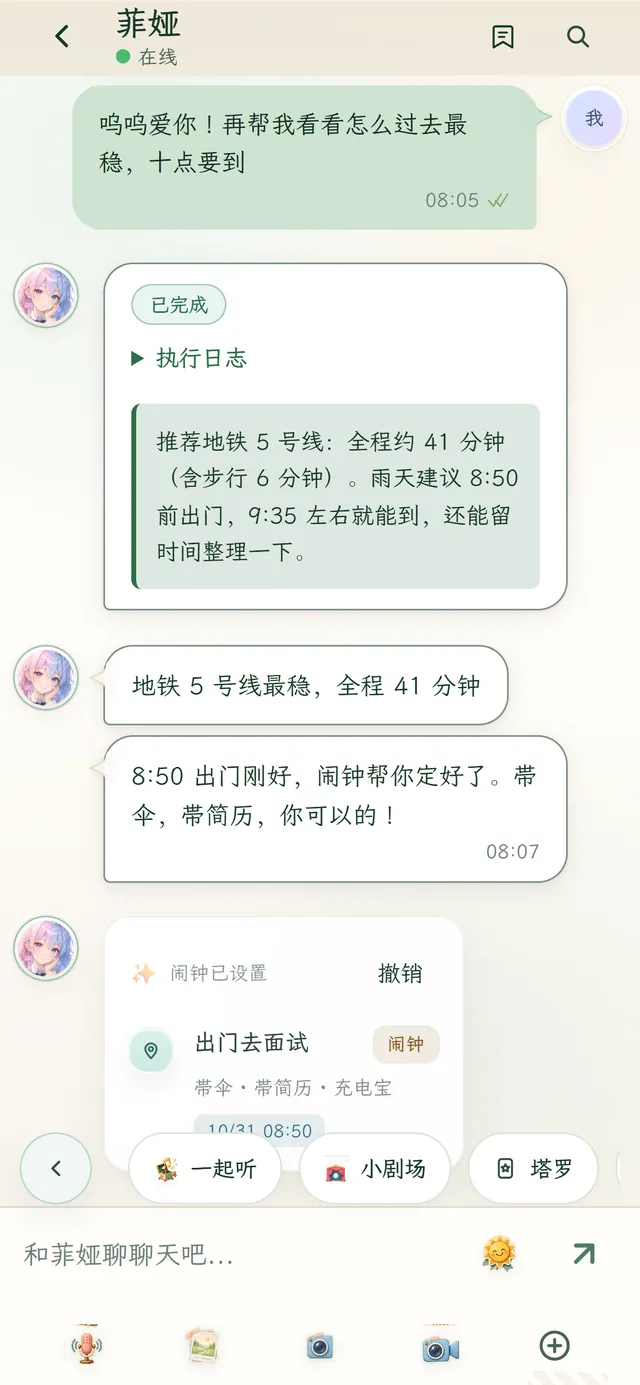
08:05
Ask the safest way there and she checks: Metro Line 5, about 41 minutes, leave by 8:50. The alarm is already set.
19:12
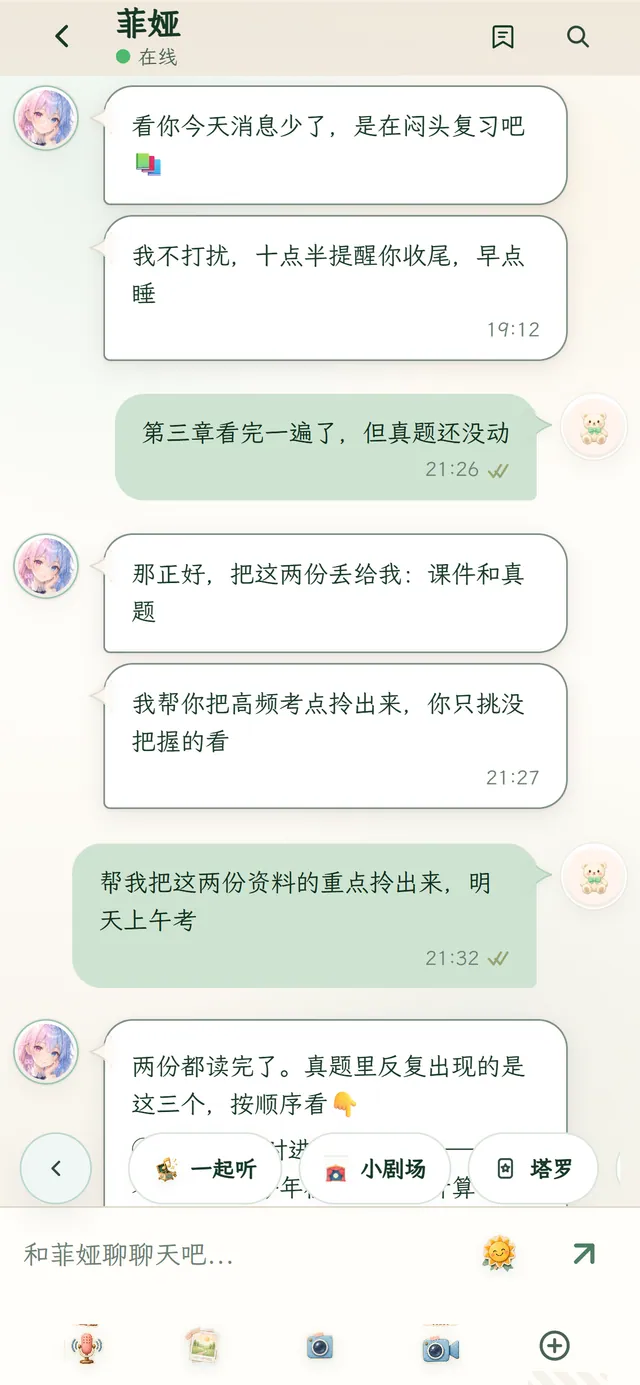
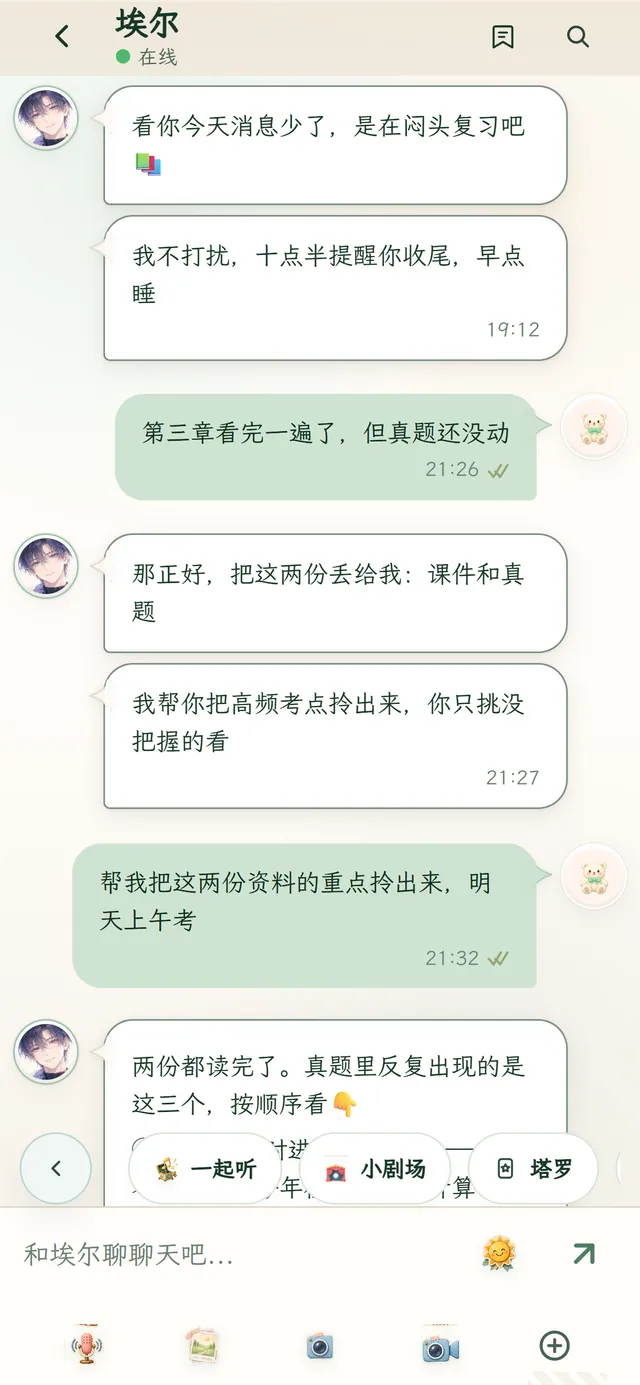
Fewer messages tonight — must be revision. Fea doesn’t push; just a reminder at 10:30 to wrap up and sleep.
21:32
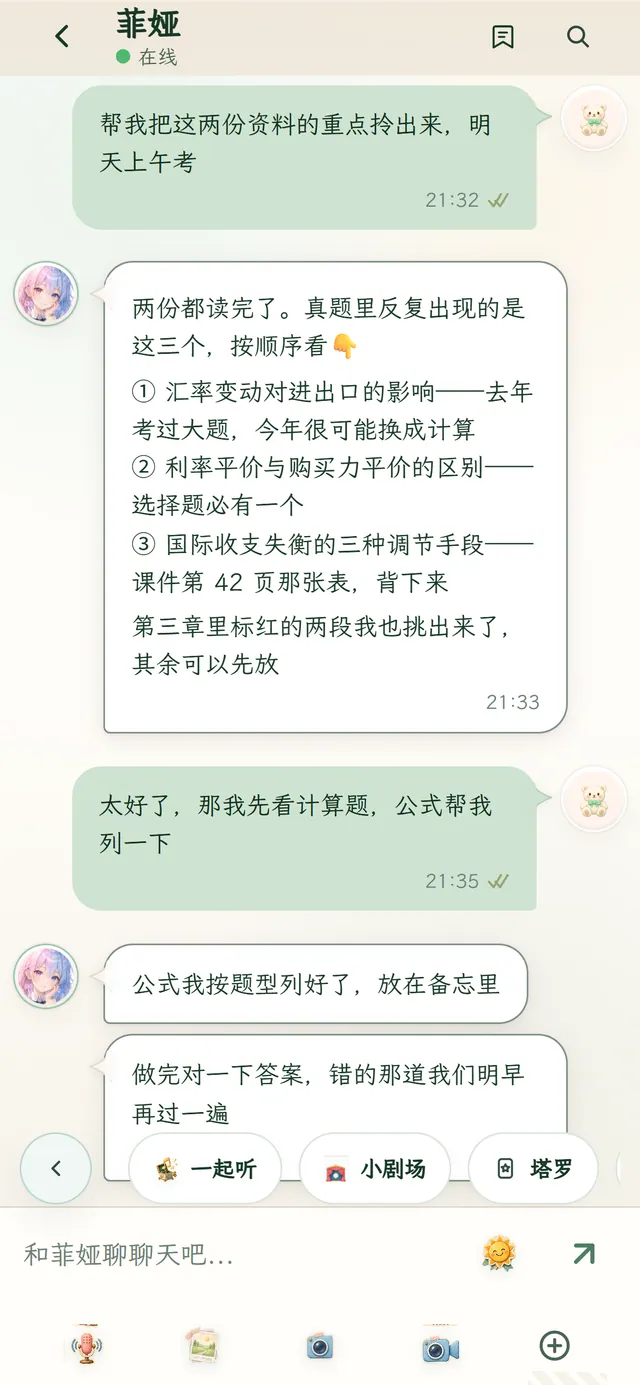
Drop the lecture slides and past papers into the chat. Fea reads both, pulls out the three topics that keep coming back, and marks what can wait.
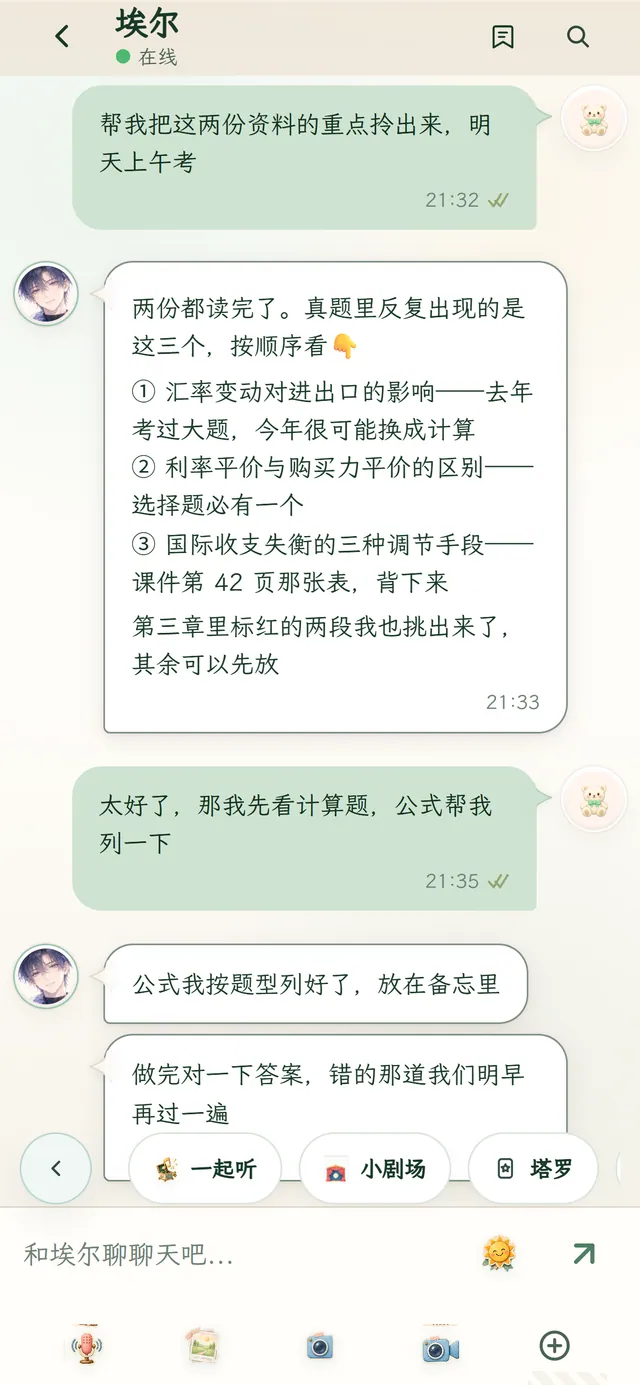
Bedtime
On a video call you say the last mistake can wait till morning. Fea asks: after the exam, what do you most want to do?
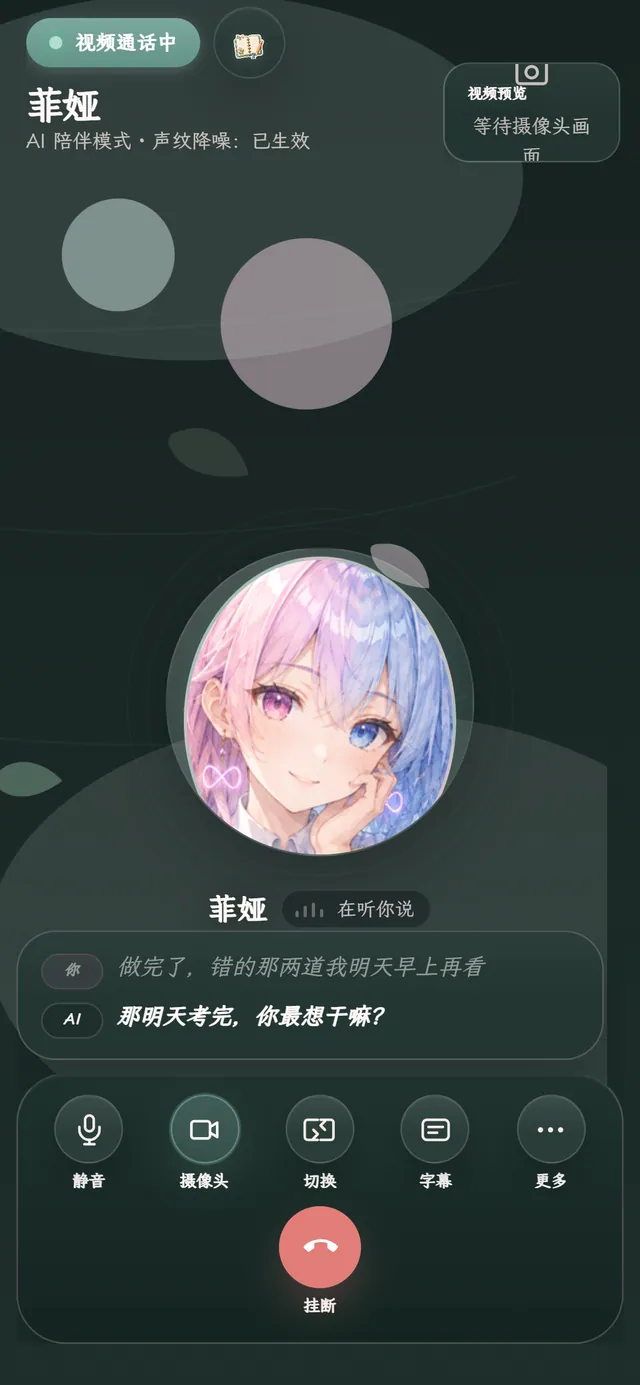
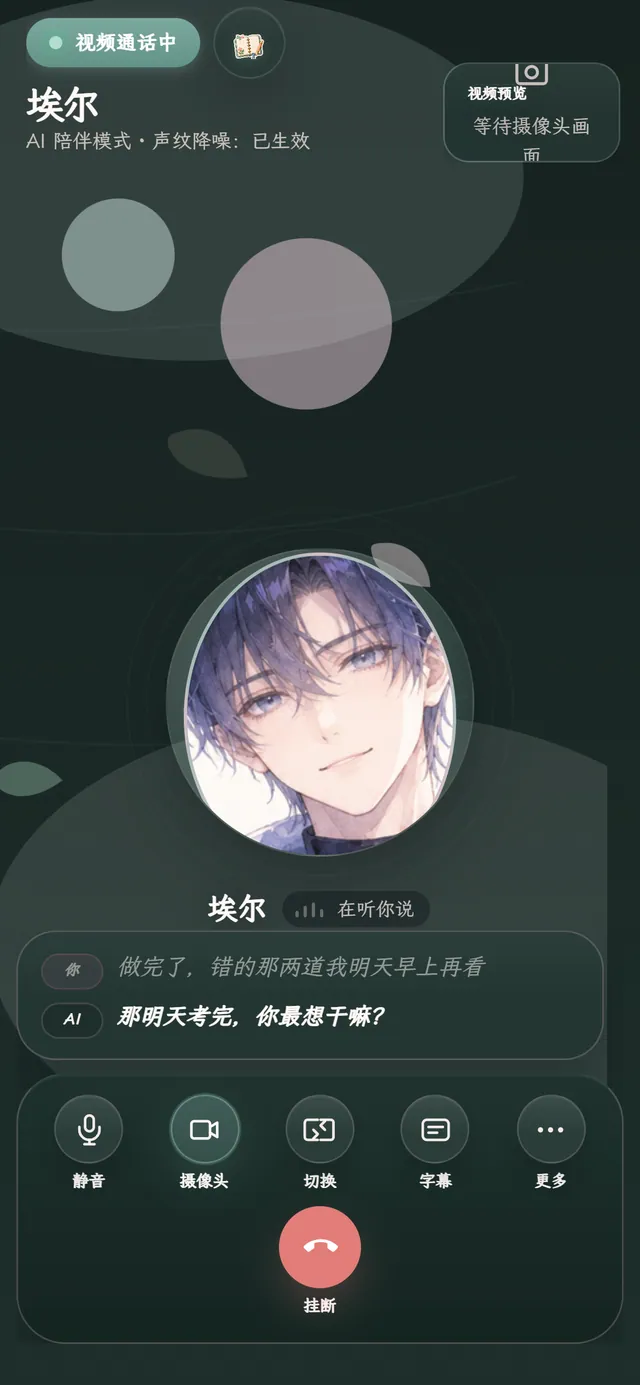
Screens from a demo account (the app is in Chinese); conversations are illustrative.
On Windows, Fea is a floating 3D (VRM) or Live2D character on your desktop. Coding, essays, a show — she’s in the corner of your eye, and you never have to switch windows to talk.
The desktop companion floats above other windows instead of getting buried.
Scale the floating window in Settings so it takes exactly the space you want.
Turn on the pinned input box and just rest your cursor on Fea to start typing.




Beyond chat there’s a journal, planner, reviews and exploration — some you write together, some Fea goes and does for you.
You write a page, Fea writes back. Each book holds 5,000 characters; fill it and start the next.
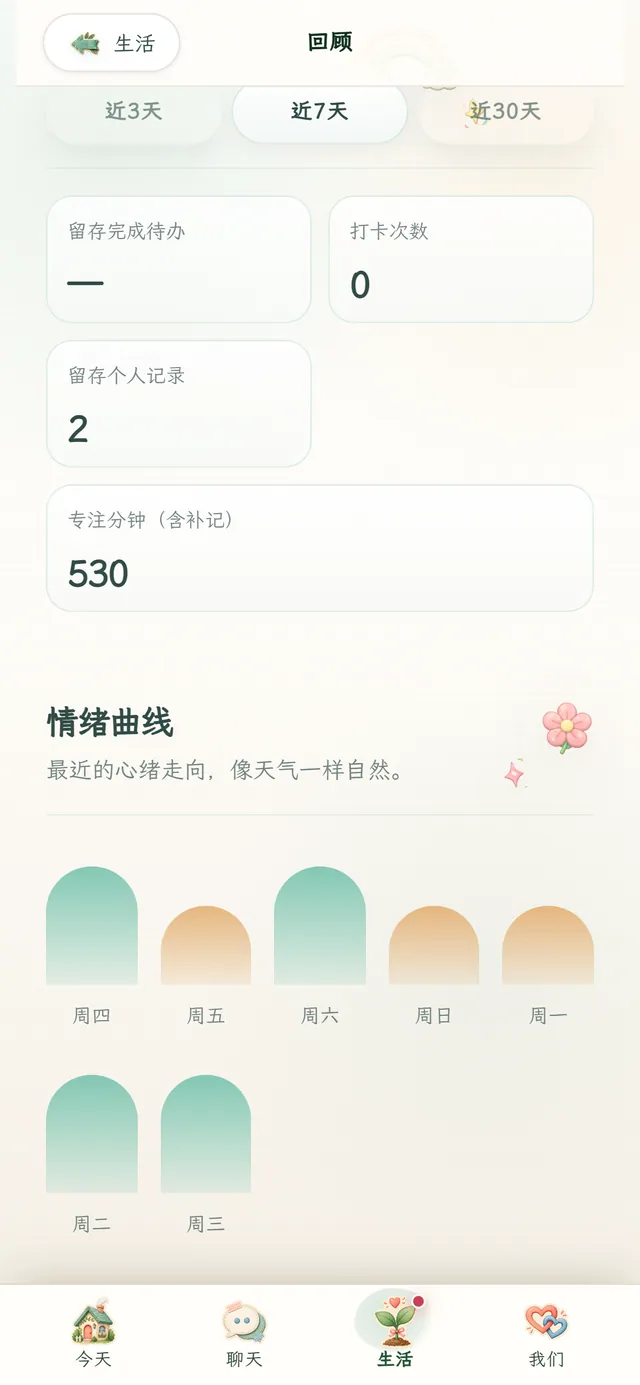
To-dos, habits and notes in one place — what’s in progress, today’s check-ins and focus minutes at a glance.
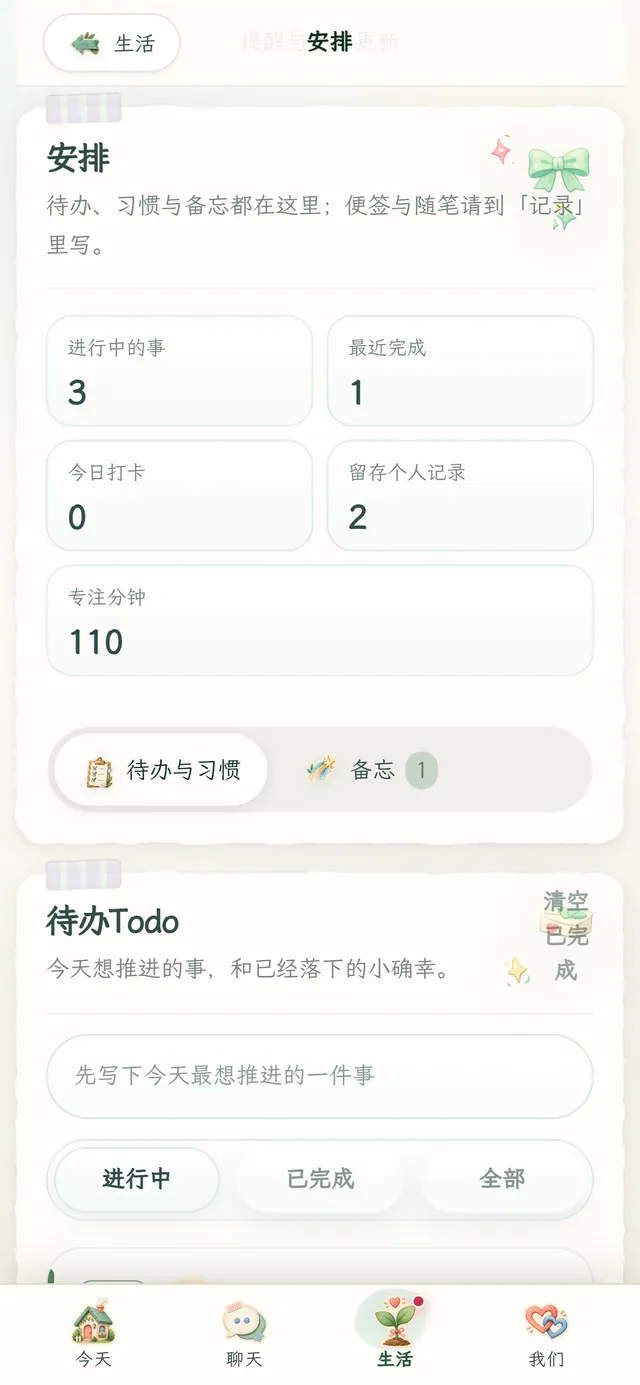
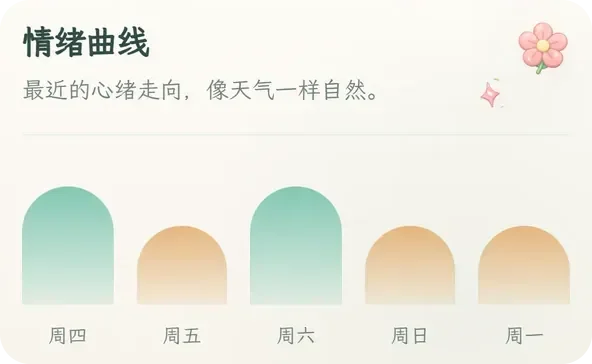
Focus time and a mood curve over 3, 7 or 30 days, so you can see your own rhythm.
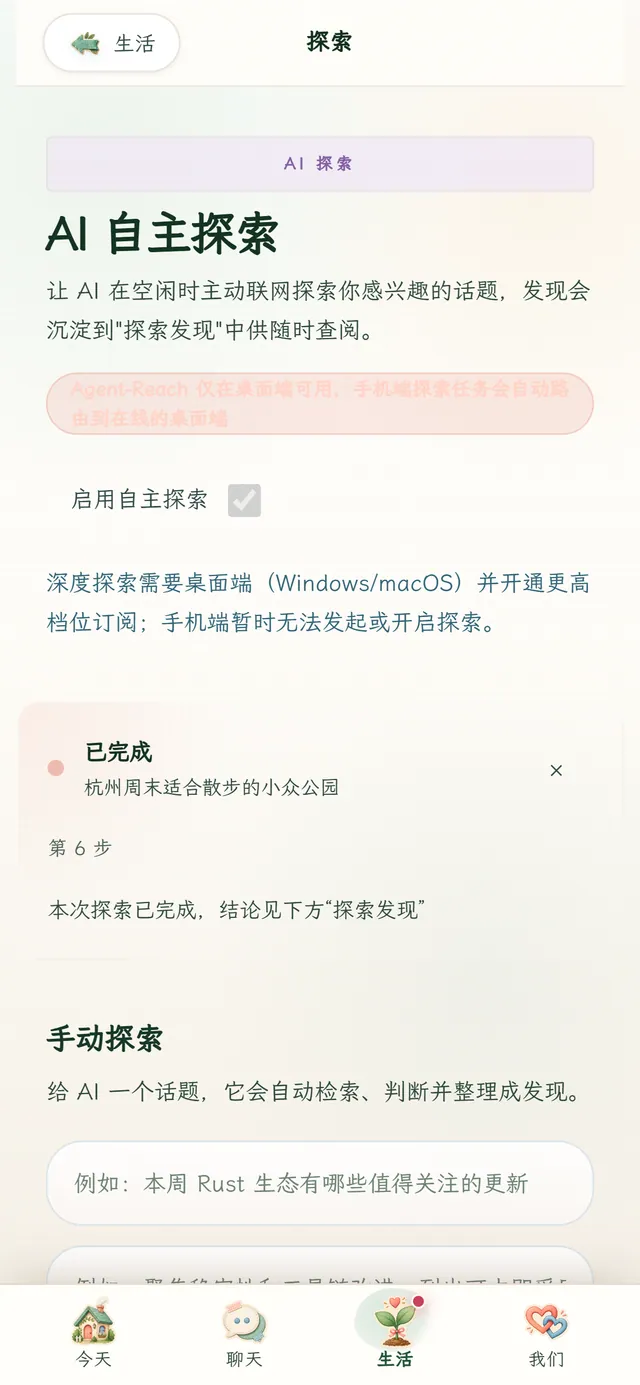
When things are quiet, Fea looks up topics you care about online and leaves what she finds in Discoveries.
Deep explore needs the desktop app and a higher plan.

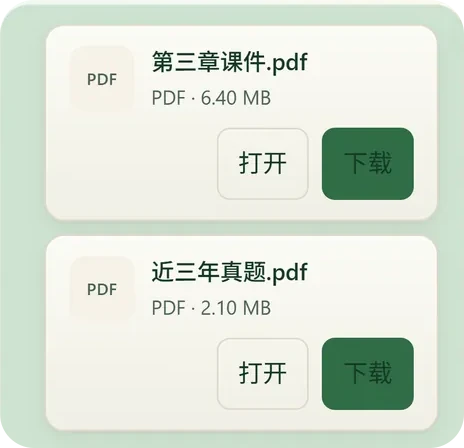
Drop PDFs, images or video into the chat — 44 formats; videos up to 5 minutes and 64 MB.

The consent dialog in the app (real screen, Chinese UI)
Looking at your screen, taking a photo, sending notifications — each of these asks you first.
The first time Fea wants to look at your screen or take a photo, a dialog asks you. Until you allow it, no image is captured.
Choose Off and it may ask once more after 7 days; decline again and it won’t ask again. Turn it back on anytime in Settings → Calls & Vision.
Offline push turns on only after you agree, and can be switched off in Settings → Offline push.
Enforced HTTPS & HSTS encryption and minimum necessity. Unless you opt in to a data sharing program, Instarmony won’t use private chats to train models or sell your personal data.
Sholarel opened its public beta on 1 November. These are the latest updates — not a roadmap, things already in the app.
Public beta
Full changelog →Android incremental updates now show progress, and tell you which step failed if one does. Journal home tidy-ups.
Image and video attachments open or download right from the chat; better memory recall; a paper texture on the home screen.
Starts in about 4 seconds and resumes faster; audio, video and push improvements; Android incremental updates from 3.0.16.
Steadier attachments and proactive messages; reset your password inside the app.
Fixed: the payment page sometimes didn’t open after tapping Upgrade.
Five plans, by how deep the companionship goes. Each period is 31 days. USD renews automatically and can be cancelled anytime in the app — benefits last to the end of the paid period.
Out of Echo? Chrono Dew is credit that never expires — no account needed to buy. About Chrono Dew →
We’re glad to give investors and partners a full product demo and walk through the roadmap, technical choices and team. Internal numbers stay off the website — let’s talk in person.
An AI companion app by Instarmony, formerly called Eidolon. Choose Fea or Ael as your companion: they live on your computer’s desktop and your phone, remember what you’ve talked about, check in first, and help with small things like routes, reading files and reminders.
Windows 10 / 11 (64-bit) and Android 7.0+ (arm64). The web version isn’t open for sign-ups. macOS, iOS and Linux aren’t supported yet. Download Sholarel →
The download is free; AI features like chat and calls need a subscription, and there’s no free trial. USD plans renew automatically and can be cancelled anytime in the app, with benefits kept to the end of the period.
No. Invite codes are only for creating an account. Subscription checkout only asks for an email, and Chrono Dew needs neither an account nor a code.
AI features like chat and calls draw on Echo credit. When it runs out, your journal, to-dos and notes keep working; to keep talking, buy non-expiring Chrono Dew — available on the website without an account — or upgrade to a higher plan.
Not without asking. Before looking at your screen or taking a photo, it asks for your consent; until you allow it, no image is captured. Decline, and it may ask once more after 7 days — then never again. Privacy →
Fea is gentle and delicate, a journaling confidant; Ael is calm and reliable, a sharp butler type. Same abilities, different personalities and ways of talking. Switch anytime, and rename your companion if you like.
Available for Windows and Android. Plans can be started right here on the web.